
A well-built web portal puts the right information in front of the right people — customers checking an order, technicians in the field, managers watching the numbers — without a phone call, an email, or a stack of paperwork. Techlancer builds custom web portals tailored to how your business runs.
Personalized Access for Faster Information Flow
Every portal we build serves one goal: getting information to the people who need it, the moment they need it. Personalized access means less waiting, fewer bottlenecks, and a business that moves faster.
How We Can Help
- Customer Portals — Let your customers view their open orders, past invoices, or current balance. Provide on-demand access and highlight the value of your services.
- Technician Portals — Give field staff access to job details, client info, historical data, and reports through a secure, mobile-friendly web page. Remotely entered data is instantly accessible to your in-office staff, reducing double-entry inefficiencies and errors.
- Management Dashboards — Keep up with the day-to-day operation of your growing business through an easy-to-digest snapshot of the day’s work: cash flow, A/R, and KPIs for month to date, year to date, MTD vs MTD last year, and YTD vs YTD last year.
- Department Portals — A personalized dashboard for your employees that displays their queue for the day: a to-do list with assignment, process tracking, and completion. Enables workplace analytics and production workflow statistics.
- Production Portals — Track every process in your company. List each work order (or sales order) with its status; see where each item sits in your building, which department it’s in, how long it’s been there, who’s working on it, and any complications. Provide detailed customer order updates and collect metrics on time spent in each department.
- Communication Dashboards — Your company’s home base: an intranet your employees see when they first open their browser. Track company events, internal memos, project collaboration, time sheets, and PTO, and store company-wide documents, policies, and forms.
Capabilities
- Web portal development for mobile devices
- Dashboard development — management dashboards and internal communication dashboards
- Business Intelligence dashboard development — KPIs, interactive widgets, employee progress tracking, critical goal tracking, live charts and graphs
- Customized reports
- Primary languages: HTML, ASP.Net, C#.Net, VB.Net, JavaScript, JQuery, React, CSS
Web Portal Case Studies



Want the full stories behind these projects? Browse our case studies.
Customer Portals
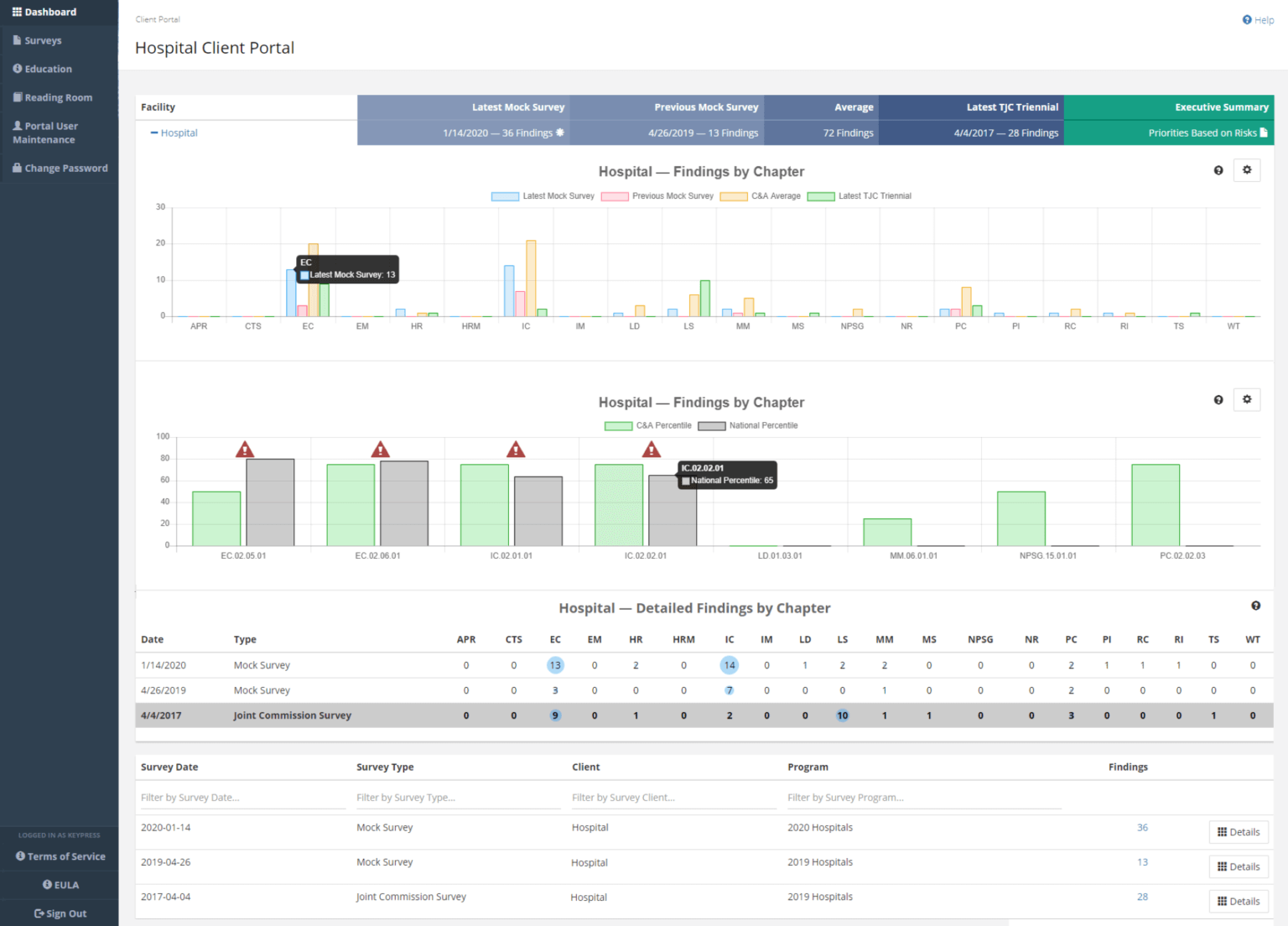
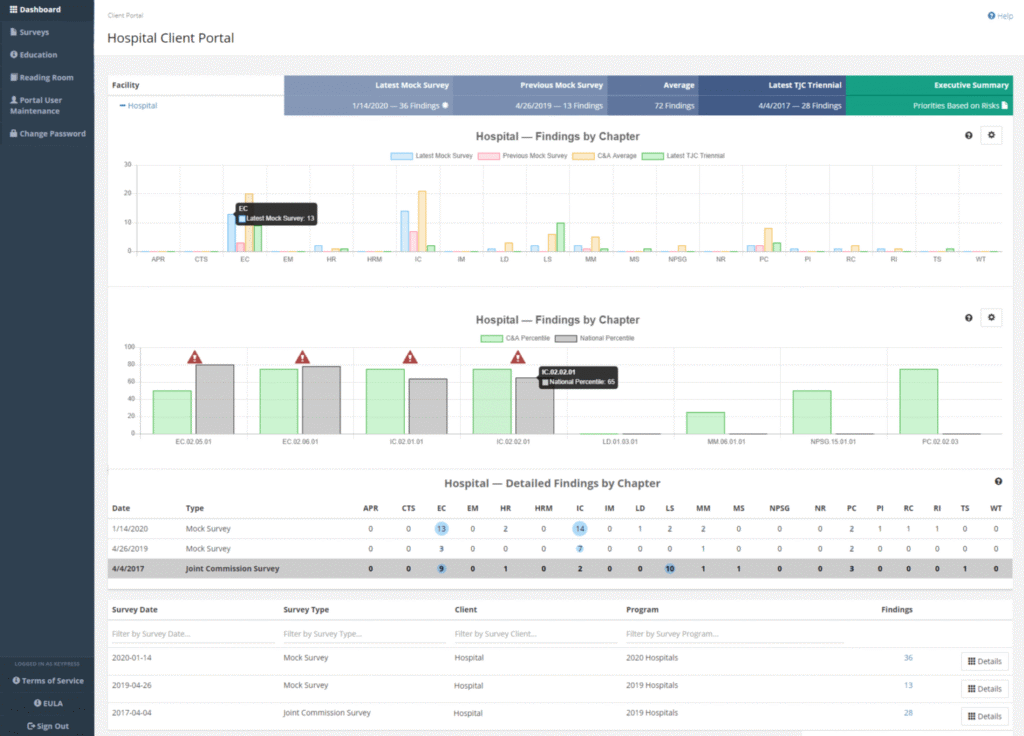
Give your customers the ability to log in and view their open orders, past invoices, or current balance.
Enable them to run custom reports based on the services you’ve provided, and give them a dashboard with widgets that keeps them up to date on every aspect of your business relationship.
Go paperless: all the information you normally provide, available on the portal 24/7.
By giving your clients their own home page, you put historical data, insight reporting, and analytics at their fingertips. Highlight the value of your services — and make it easier and more efficient for your customers to communicate with you and buy from you.
Technician Portals
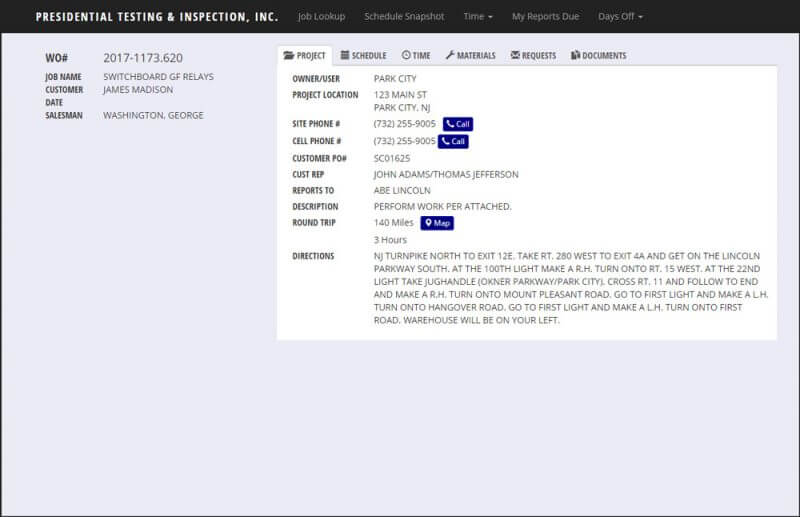
When your employees are on the road, it can be difficult for them to stay on top of paperwork. A technician portal puts the power of your software in the palm of their hand.
It taps directly into your company database and serves up historical data, reports, client information, and job details through a secure, mobile web page.
Beyond delivering existing data to your mobile employees, the portal lets them enter job information while they’re on the move. When a tech records the results of their work, that data is instantly accessible to your in-office staff. No more taking notes on the job and re-entering them into the system that night or the next day — the lag time normally associated with remote employees disappears. A technician portal is a direct link between your office and your mobile workforce, combining the benefits of a workstation with the mobility of a smartphone or tablet.
Management Dashboards
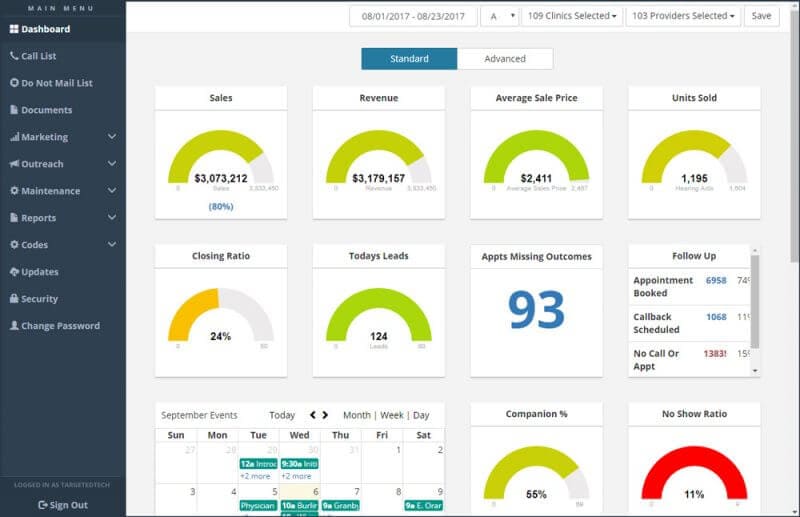
Keeping up with the day-to-day operation of a growing business is hard. A management dashboard gives you a snapshot of the day’s work in a format that’s easy to digest.
Keep an eye on your cash flow and A/R, or monitor purchasing and sales with widgets.
Management dashboards can also surface key performance indicators (KPIs) for month to date, year to date, MTD vs MTD last year, YTD vs YTD last year, and more — designed to deliver the most critical insights from your accumulated data.
Department Portals
Department portals are a little different from customer or technician portals. They are, in essence, a personalized dashboard for your employees that displays their queue for the day — a to-do list that supports assignment, process tracking, and completion.
Important tasks no longer fall through the cracks, and clear prioritization helps work get done more efficiently and on time.
Department portals also open the door to workplace analytics and production workflow statistics.
Production Portals
Track every process in your company.
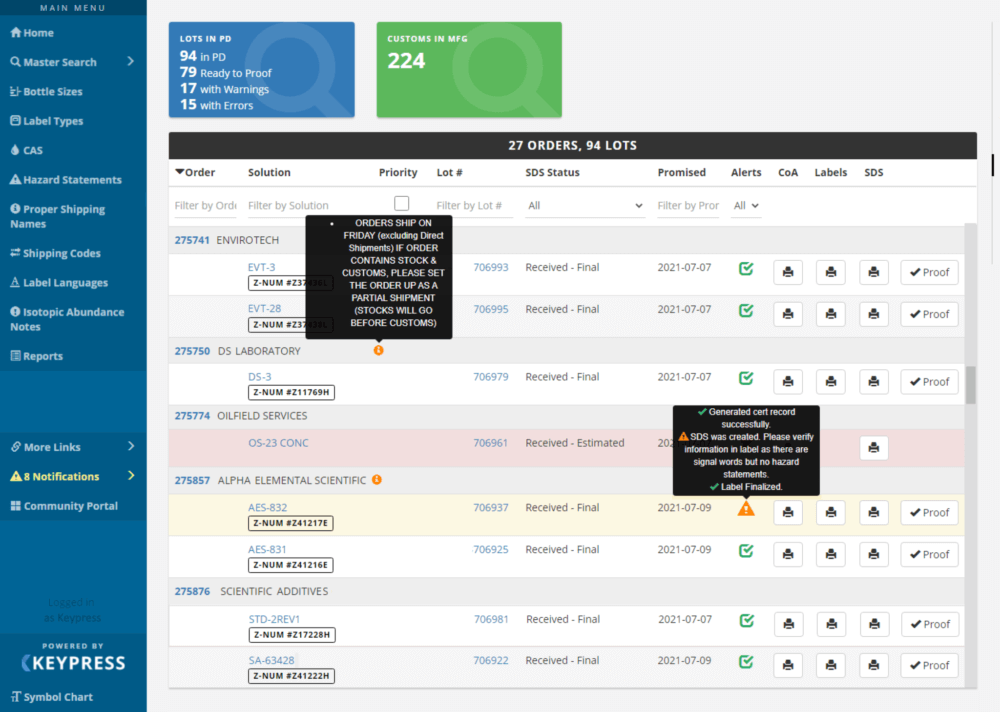
A production portal lists each work order (or sales order) and displays the status of the item. Quickly see where each item is sitting in your building — which department it’s in, how long it’s been there, who’s working on it, and any complications.
It’s an overview of production that surfaces granular data, like a department portal that shows all departments at once.
If a customer wants an update on their order, you can tell them exactly where it is along the path to completion.
Collect metrics on how much time is spent in each department, and use that data to set and track goals.
Communication Dashboards
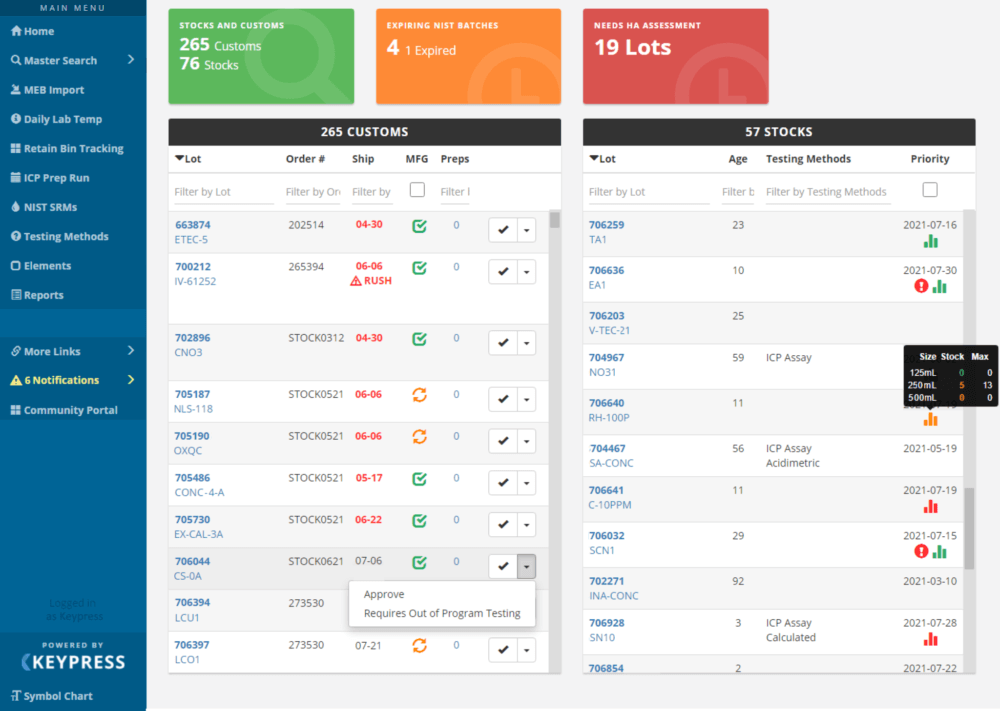
A communication dashboard is your company’s home base.
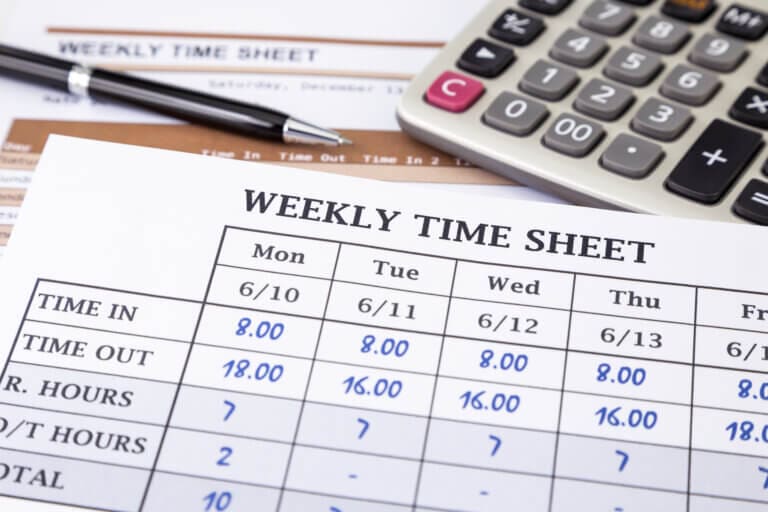
It’s an intranet of information presented to your employees the moment they open their browser — company events, internal memos, project collaboration, time sheets, and PTO, plus a central store for company-wide documents, policies, and forms.
Ready to give your customers and your team faster access to the information they need? Contact us to talk about your portal project.